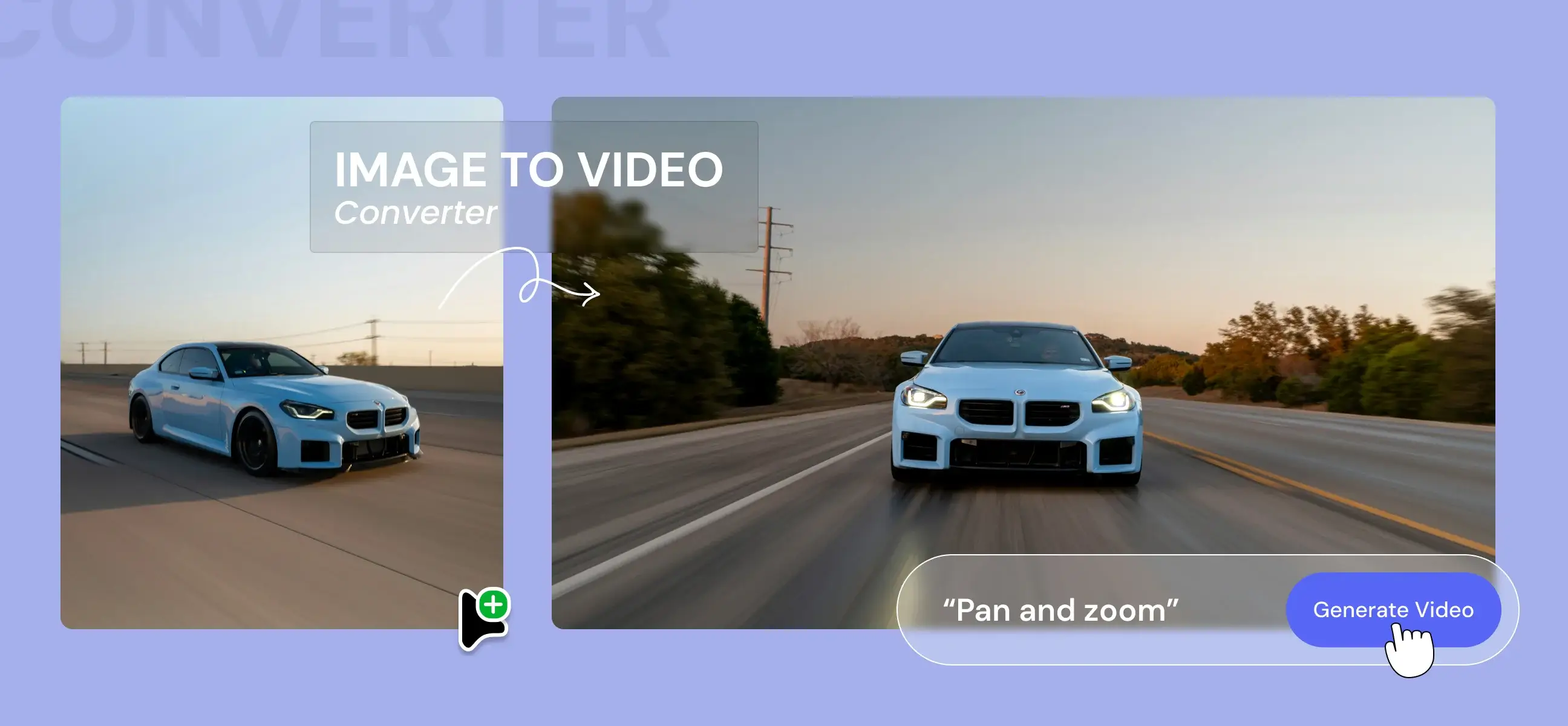
Free AI Image to Video Generator – No Signup, Watermark, or Payment (2026)

by
January 3, 2026
12 Min
Post Image

Creating videos used to mean expensive software, complex timelines, and hours of editing. But in 2026, AI has completely changed the game. Now, you can turn simple images into engaging videos without signing up, without adding a credit card, and without ugly watermarks all for free.

Whether you’re a content creator, marketer, blogger, or social media enthusiast, free image-to-video AI tools can help you bring visuals to life in seconds ⚡. In this blog, we explore the best free image-to-video AI tools that work instantly and actually deliver usable results.

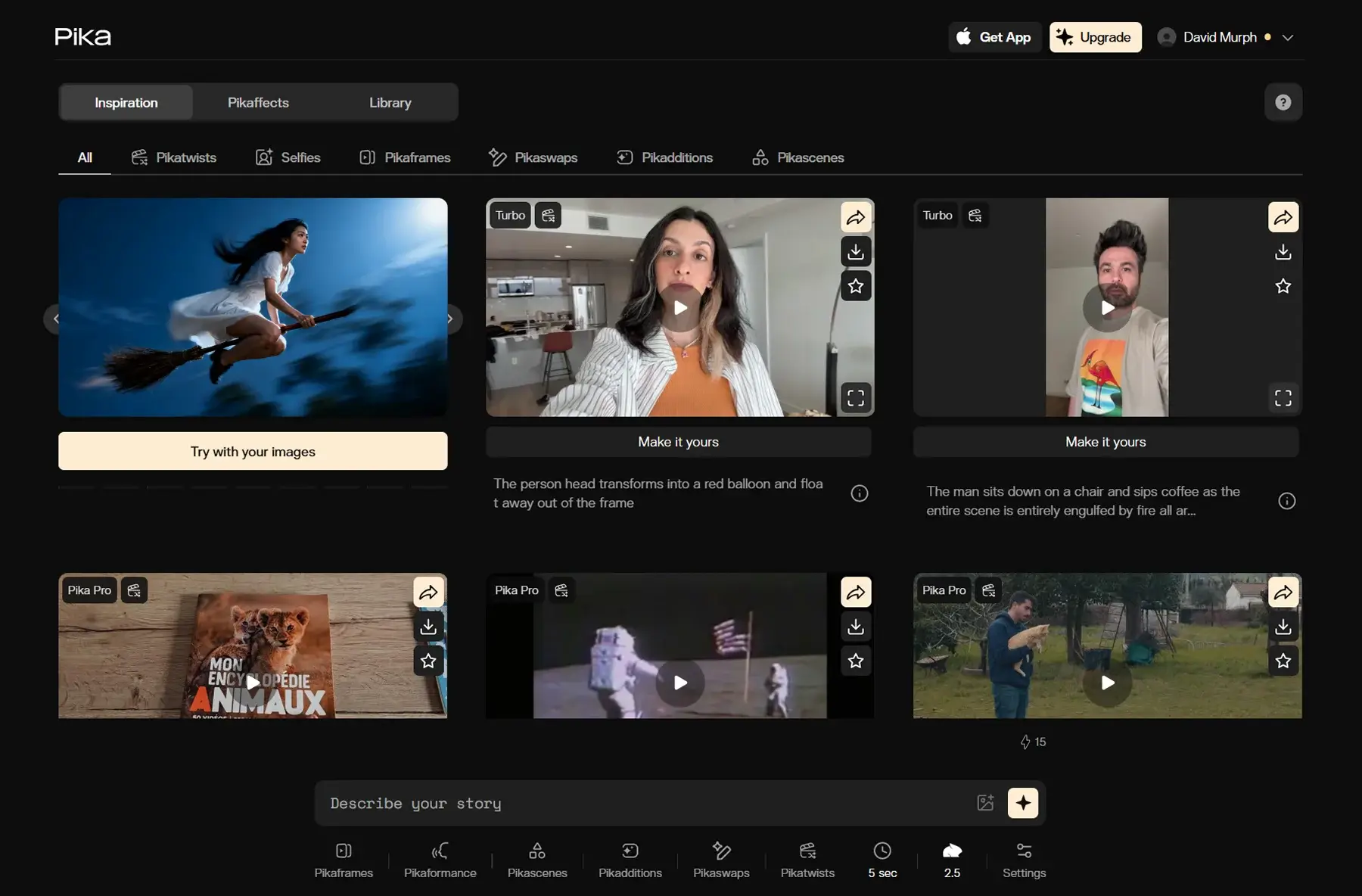
Pika Labs (Pika AI)

Pika Labs is a browser-based AI video creation platform that turns text, images, or existing footage into short animated clips quickly using generative AI. It’s designed especially for social-first creators who want fast, expressive motion videos with cinematic effects and surreal tweaks.

Pros

  • Easy to use with simple prompts
  • Can animate still images into short dynamic clips
  • Offers effects like scene motion, transitions, and creative animations

Cons

  • Free tier limitations on credits and video length
  • May lean more toward stylized motion than strict realism
  • Advanced control requires paid credits

Formats & Resolution

  • Output Format: MP4
  • Free/Basic Resolution: Up to 720p / 1080p depending on model and credits
  • Aspect Ratios: 16:9, 9:16, 1:1
  • Length: Typically 3–10 seconds per generation on free tiers

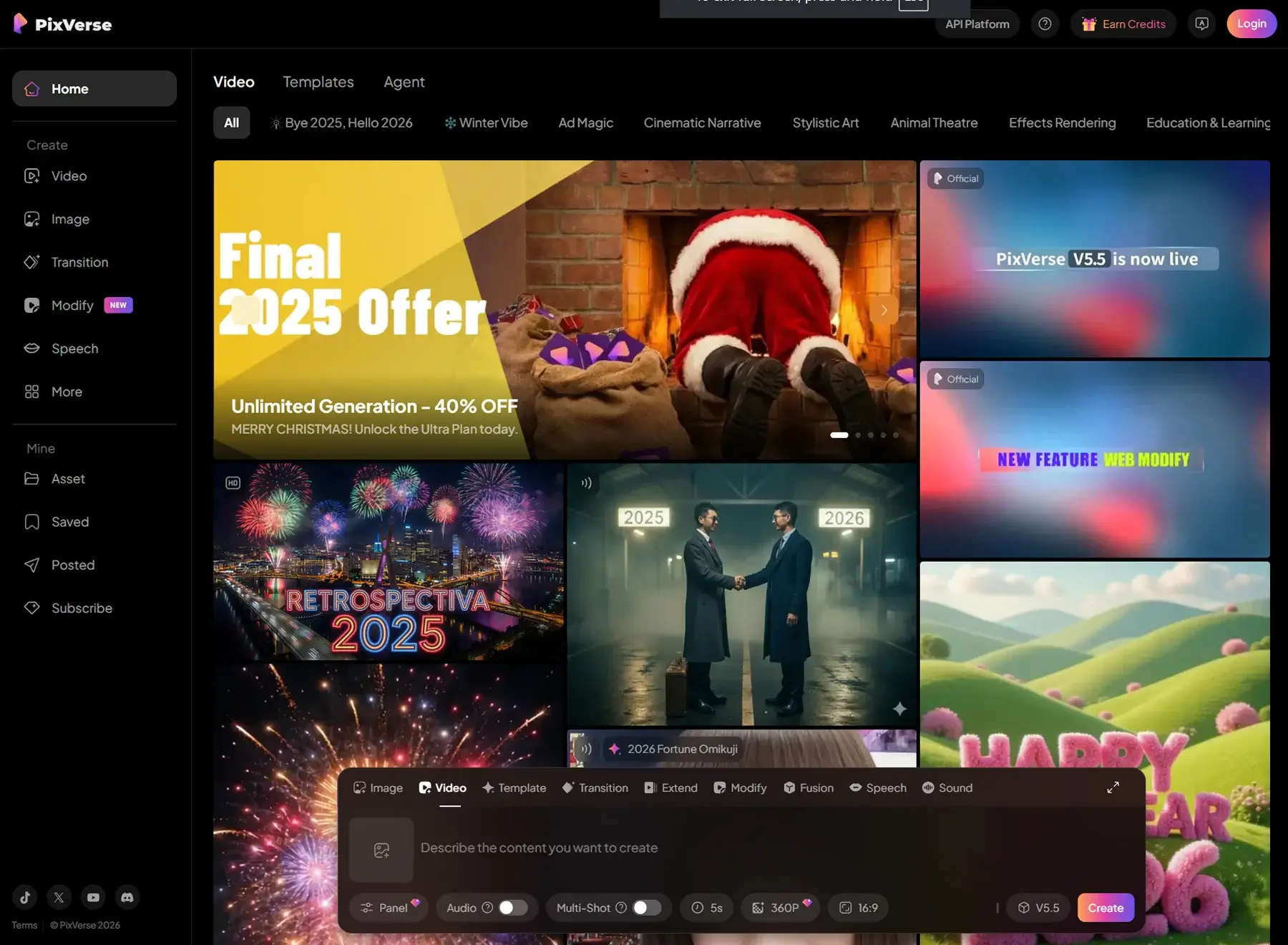
PixVerse AI

PixVerse AI is a versatile AI video generator that animates images or text prompts into dynamic visual clips. Users can upload still images and have the AI add motion, camera shifts, depth, and style effects, creating engaging short videos for social reels or ads.

Pros

  • Supports both text-to-video and image-to-video workflows
  • Easy UI with preset motion styles and effects
  • Good for social media content & quick concept clips

Cons

  • Free tier may include watermarks or lower resolution limits
  • Advanced customization limited compared to pro editing suites
  • Daily credit limits apply on free plans

Formats & Resolution

  • Output Format: MP4
  • Free Resolution: Commonly 360p – 1080p depending on configuration and credits
  • Aspect Ratios: 16:9, 9:16, 1:1, 4:3
  • Length: Typically 5–8 seconds for free generations

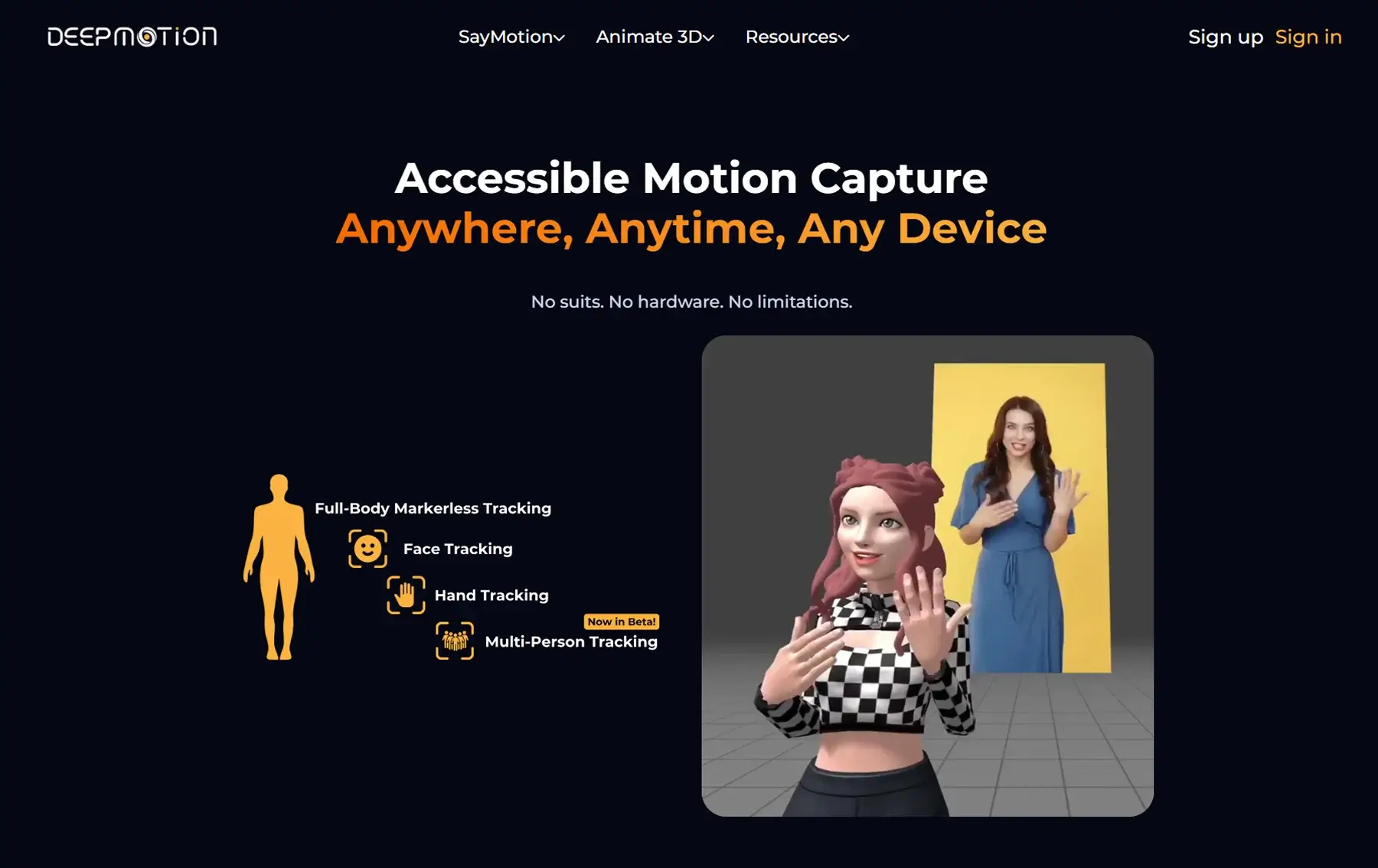
DeepMotion Animate

DeepMotion AI specializes in animation derived from images and motion input especially for character-based content. It detects poses and movement cues to animate static images with realistic human motion, which makes it good for avatars, game characters, and dance clips.

Pros

  • Strong at pose and motion animation
  • Works well for characters and AR/VR content
  • No credit card required for basic trials

Cons

  • Optimal with full-body images
  • Not a full video creation suite more motion-focused
  • Lesser control for backgrounds & environment details

Formats & Resolution

  • Output Format: MP4
  • Resolution: Up to 720p / 1080p depending on export settings
  • Useful For: Short clips (2–8 seconds) of animated poses rather than long narratives

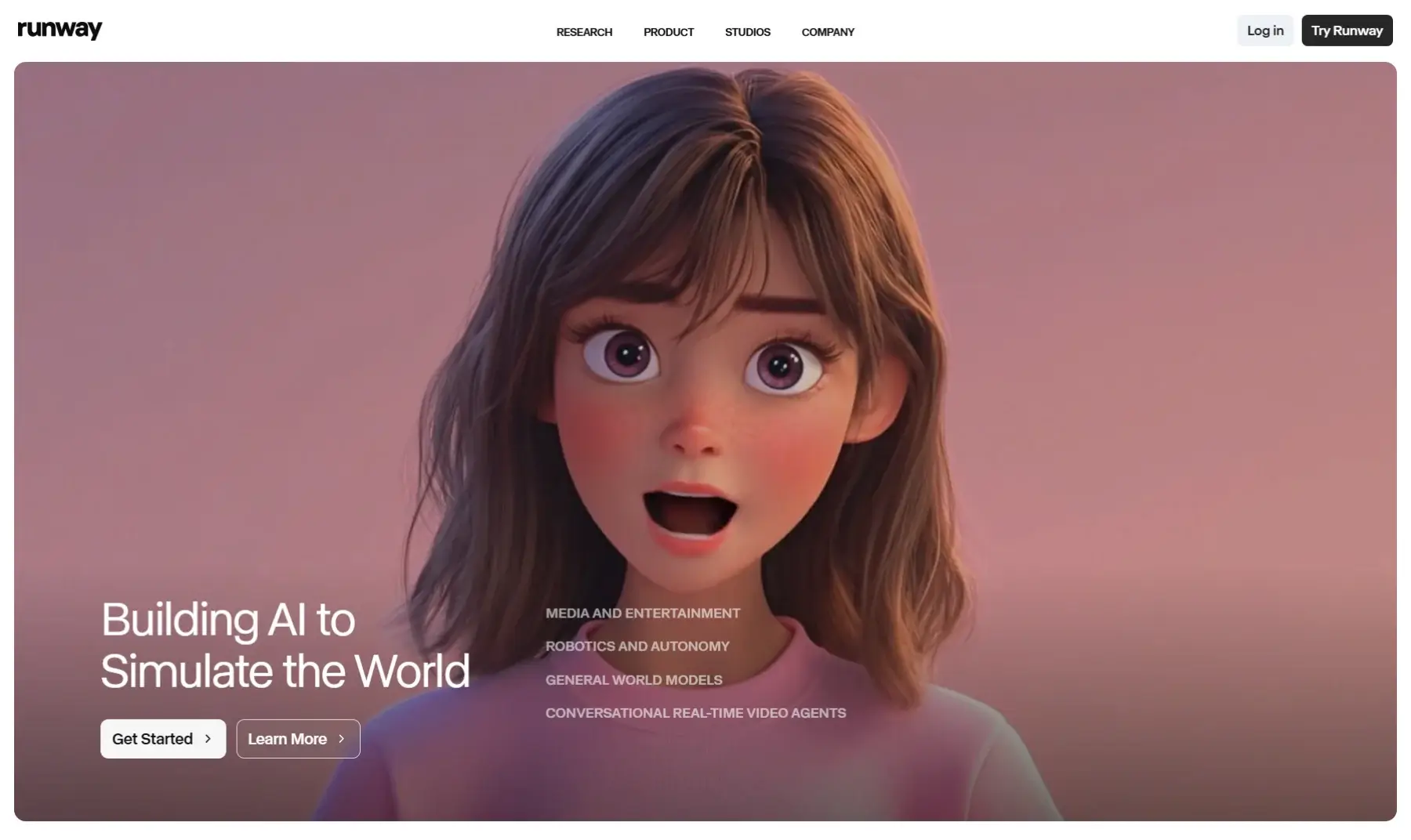
Runway ML (Free Tier)

Runway ML is a comprehensive AI creator platform used for text-to-video and image-to-video generation with advanced features like motion brush, camera control, lip sync, and multi-style outputs. It’s popular among pros and hobbyists alike.

Pros

  • Powerful controls like camera movement, motion editing, and masks
  • High-quality realistic video generation
  • Free credits available for experimentation

Cons

  • Free tier limited by credits and may place watermarks
  • Complex UI can be intimidating for beginners
  • Credits can deplete quickly on longer clips

Formats & Resolution

  • Output Format: MP4
  • Free Resolution: Typically up to 720p / 1080p
  • Aspect Ratios: Multiple (16:9, 9:16, etc.)
  • Length: Short clips (3–10 seconds) with free credits

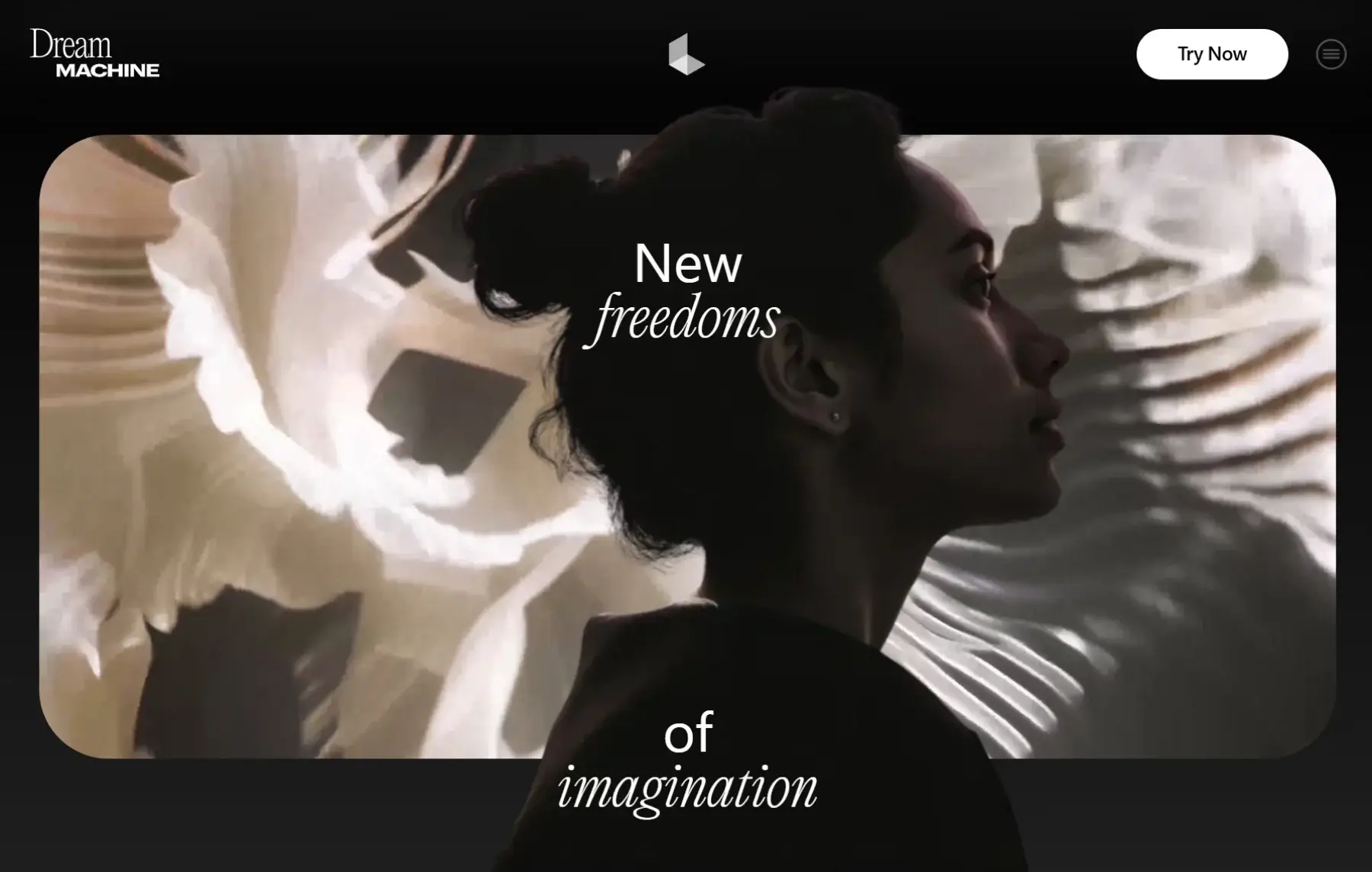
Luma Dream Machine (Luma AI)

Luma’s Dream Machine focuses on high-quality generative video with realistic motion, physics, and creative depth. It supports realistic character motion and scene detail, and is often used for cinematic ideas or advanced creative exploration.

Pros

  • Strong motion realism and depth
  • Cinematic result potential
  • Ideal for creative storytellers and marketers

Cons

  • Free tier may be limited or require credits
  • Longer queues or restrictions on free use reported by users
  • More resource-intensive

Formats & Resolution

  • Output Format: MP4
  • Common Resolution: Up to 1080p, sometimes higher with paid options
  • Length: Short clips (5–10 seconds)
  • Aspect Ratios: Standard social formats

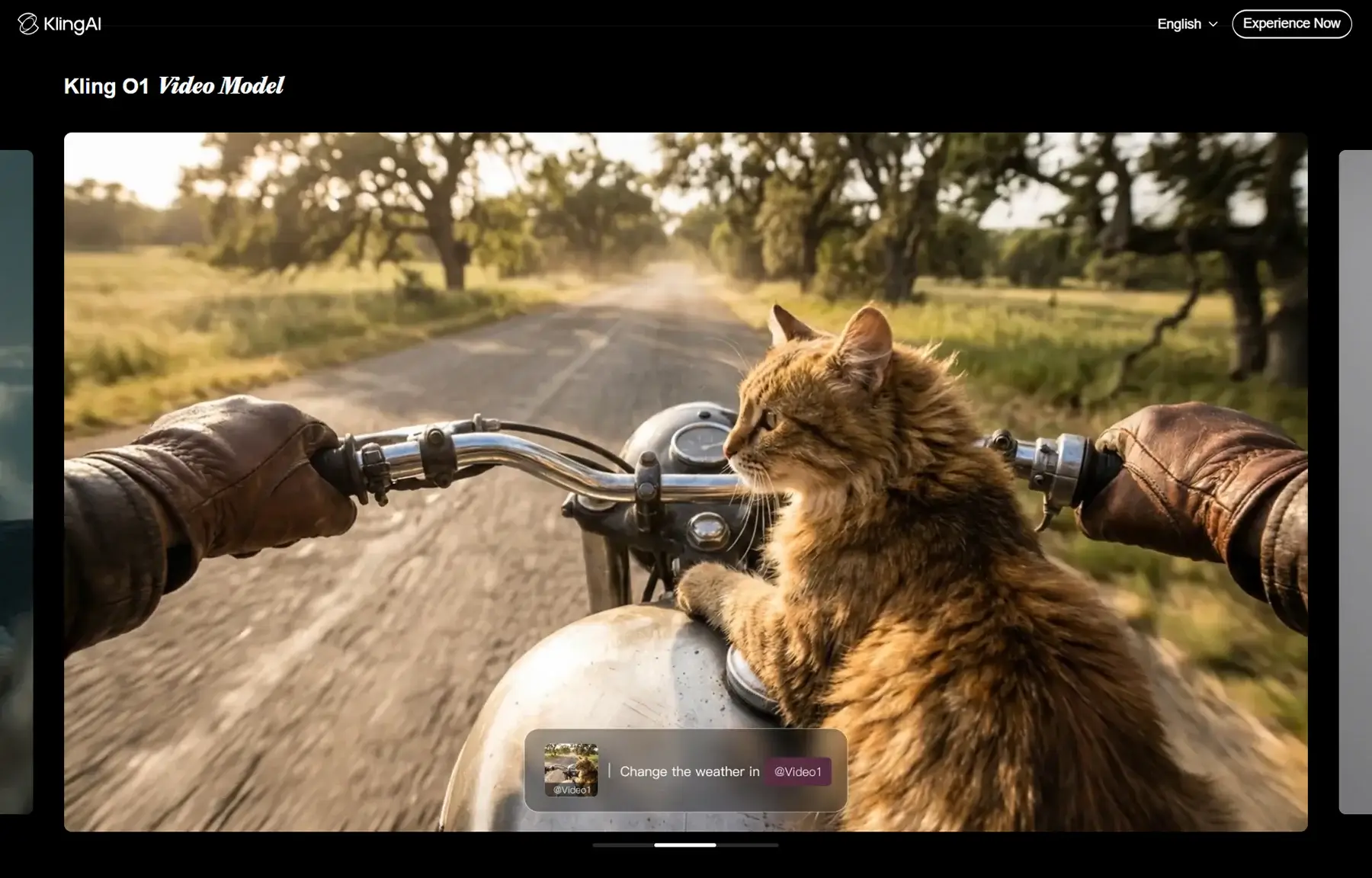
Kling AI

Kling is an AI video generator known for natural motion and realism, offering both text-to-video and image-to-video capabilities. It emphasizes smooth movement and detail fidelity, which is useful for dynamic scenes and realistic motion outputs.

Pros

  • Strong visual realism and motion physics
  • Good for dance, walking, and real-scene motion videos
  • Familiar controls for professional users

Cons

  • Can be slower on free plans
  • Control over style details may be limited compared to Runway
  • Credits required for higher resolution

Formats & Resolution

  • Output Format: MP4
  • Free/Basic Resolution: Up to 1080p (30fps)
  • Aspect Ratios: Standard social formats
  • Typical clips are 2–8 seconds

Who Should Use These Free AI Tools? 🎯

These image-to-video AI tools are perfect for:

  • Bloggers creating visual content
  • Social media managers boosting engagement
  • YouTubers and short-form video creators
  • Designers testing motion concepts
  • Startups creating promo visuals on zero budget

If you want speed, simplicity, and zero commitment, these tools are unbeatable.

CTA Image

Contact us for website customisations

Get in touch to personalise your website with custom features and enhanced functionality.

Work with us
Arrow
Build Websites
Skip the Hard Part

250+ components. Zero fluff. Just clean webflow elements to help you build better websites  faster.
Explore our Library
Arrow
ImageImage
250+
Components